Comms With Siri AI & Apple Intelligence: testing iOS 27 for communications work, and what to check first


The Brief
- What happened: iOS 27 arrived on 14 September with Siri AI, an assistant built on Apple Intelligence that reads your mail, messages, notes, calendar and files and acts inside apps. On Monday I put it through 33 tests on an iPhone 16 Pro and a Mac, 29 of them real communications jobs.
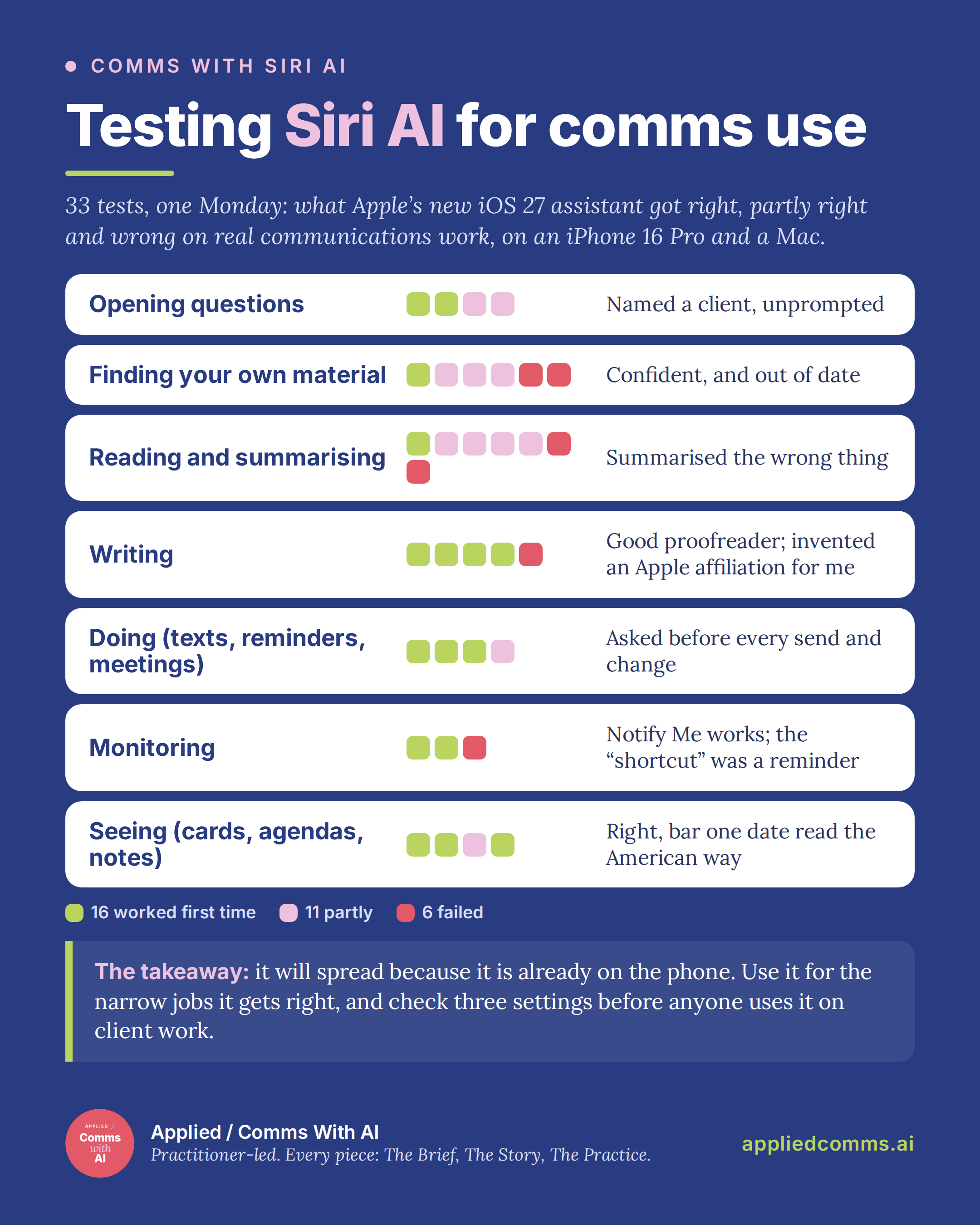
- Why it matters for comms: it is already on the phone, holding the inbox, and on an unmanaged phone anyone can switch it on without a licence (Apple says a paid tier is coming) or a policy decision. The quality is not there yet: of the 33 tests, 16 worked first time, 11 partly and six failed, and the failures were confident.
- The takeaway: start your own tests with proofreading and capture, where mine performed best, and with a message to yourself. Do not trust it yet to find or summarise your own material. Before anyone uses it on client work, check three settings and put it on the AI tool register.
The Story
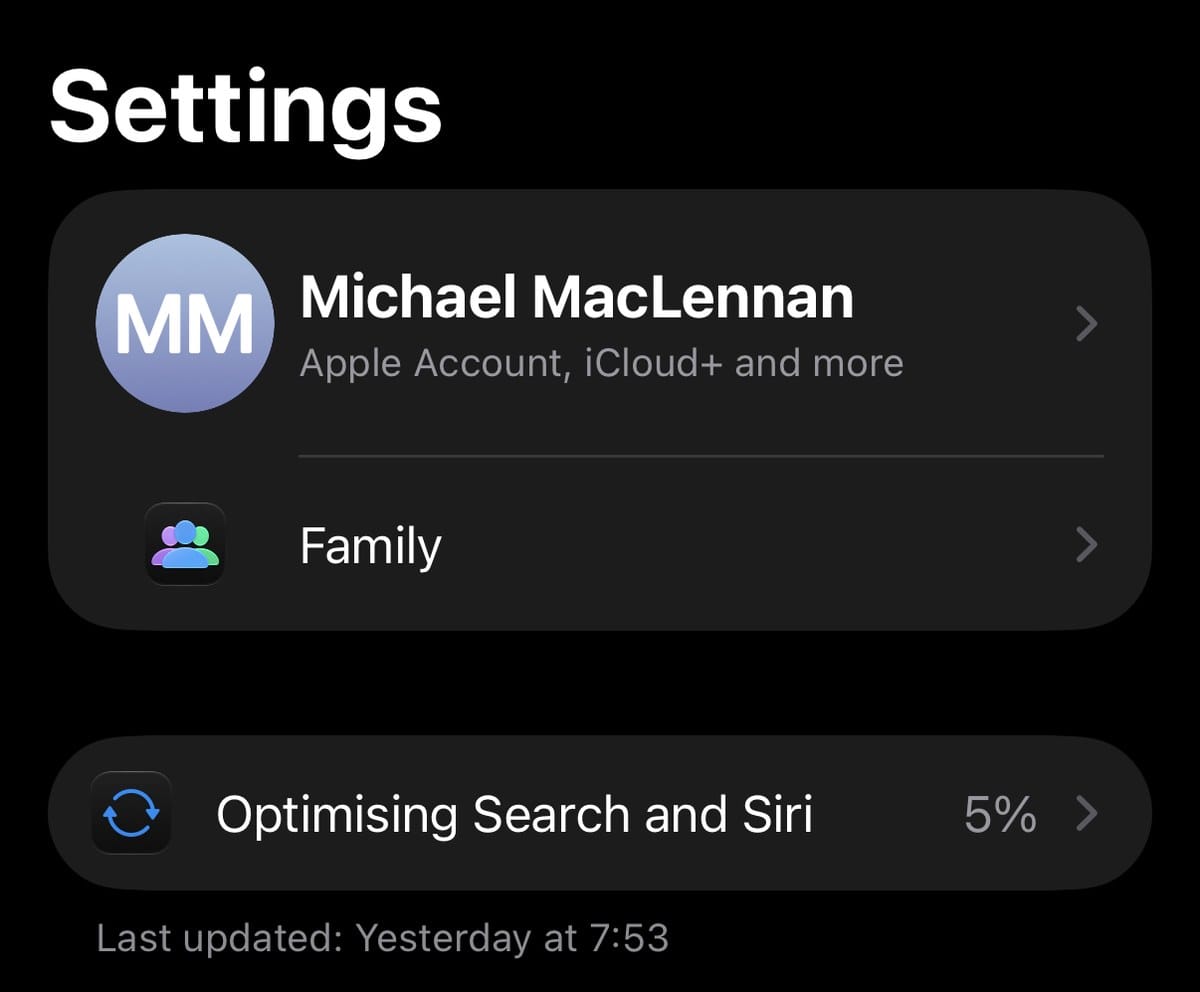
I installed the update on Tuesday, the day after release, and got a button marked Join Waiting List. By Thursday night Siri had a BETA badge and Settings read “Optimising Search and Siri, 5%”, where it stayed for two days. On Sunday it reached 100 per cent, and on Monday morning I asked the assistant that had now indexed my mail, messages, notes, calendar and files what it could do for a communications consultancy.
I think Siri AI will do more for everyday AI use in communications than any tool launched this year, despite being janky, unreliable and often wrong. The reason is where it lives. It comes with a software update, on any iPhone from the 15 Pro onwards, and on an unmanaged phone an employee can switch it on with no separate procurement, licence or policy decision, and it reads whatever work mail is already there. Dan Moren’s review for Six Colors relays Apple chief executive John Ternus’s line from the iPhone event: to get the same results from a competing chatbot “you’d need to hand it access to all your data”. Siri already has it.
So the question for a comms team is what it can be trusted with today. The method, briefly: I planned 34 tests and completed 33, on an iPhone 16 Pro (iOS 27.0) and a MacBook Pro (macOS 27.0), one attempt each unless noted, after the index reached 100 per cent. Four were opening questions to the assistant itself; 29 were jobs in six families. A pass meant it did the job first time with nothing for me to correct; partly meant some of it, a nudge, or a detail to fix; a fail meant wrong or refused. (The dropped test needed the index to be incomplete, and it no longer was.) I ran the tests and took the screenshots; Claude evaluated my notes against those definitions, and I then checked and scored every row. The sanitised log, with each prompt, the feature used and the verdict, is here.
Finding: it has your context and cannot reliably find it
The headline feature, and the weakest result. I asked what a client contact had last asked me to do. It answered confidently from a meeting note three months old and ignored three emails from her this month. I asked the same question on the Mac, same account, and it found nothing. I asked it to find a document a contact had emailed, and it said the document had not arrived. It had, on 10 September, and when I said so it repeated the answer. One of six finding tests passed cleanly.
None of the wrong answers looked wrong, and chasing a contact for a document she sent a fortnight ago is the kind of small failure that could cost a relationship.
Reading: summaries of the wrong thing
Mail’s summary of a six-message thread covered my own last reply and nothing from the other five, so an agreed webinar and a partner’s planned edits were absent. I asked what I needed to do from that thread, and it read my sent email from the recipient’s side and handed me her to-do list as mine, down to “let Michael know” (I have occasionally lapsed into the third person, but come on). On the Mac, “summarise this” on Stephen Waddington’s 21-page Wadds Inc. Summer Annual summarised the single page on screen and called it the document.
Writing: a good proofreader, and a ghostwriter who is not you
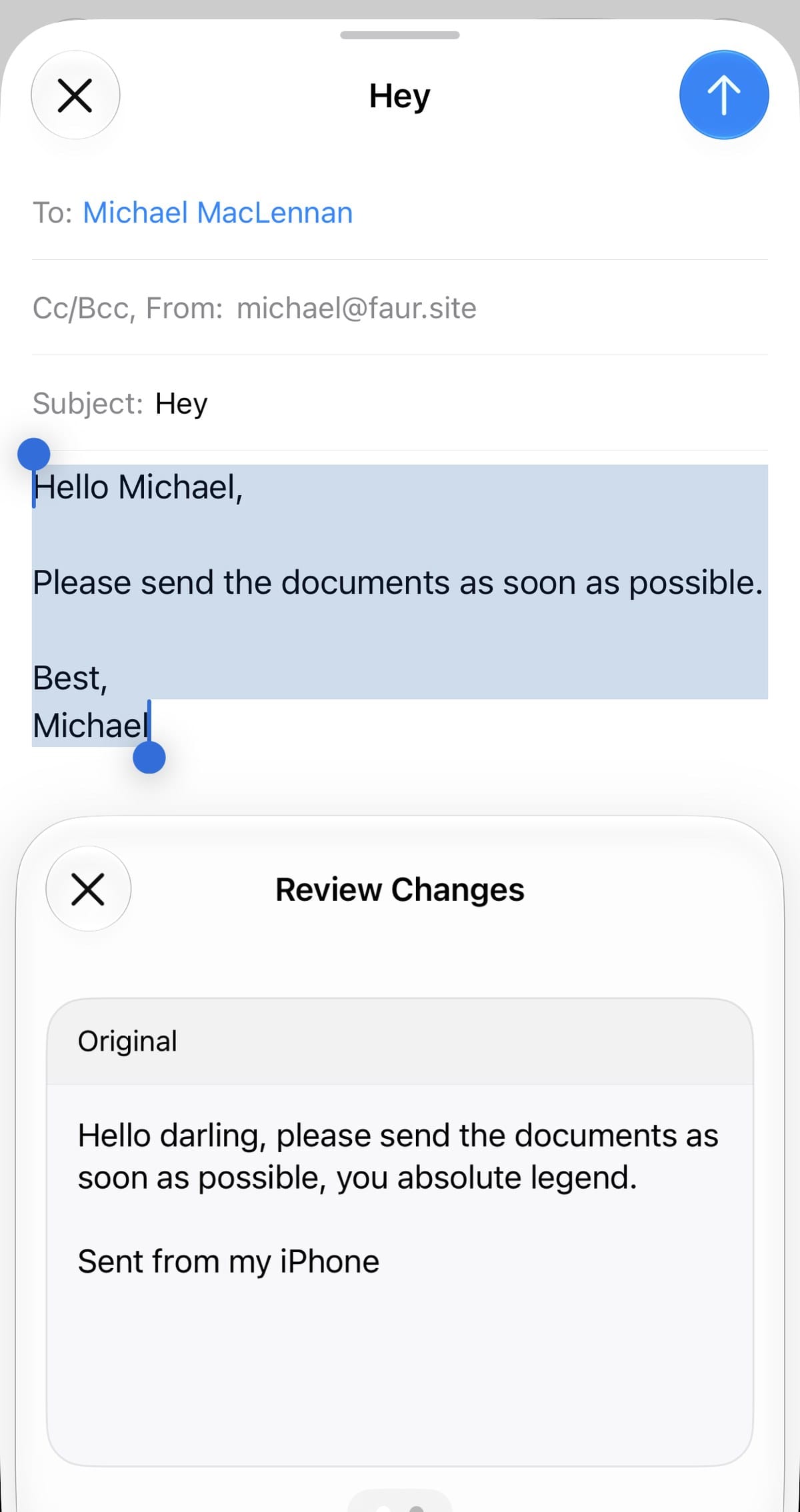
Proofread was the strongest result in my writing tests. Given a paragraph with two planted errors and one British spelling, it fixed both errors, kept “programme” and touched nothing else. Rewrite is competent and anonymous: a rough email made “more formal but short” needed three edits before sending and scored two out of five for sounding like me.
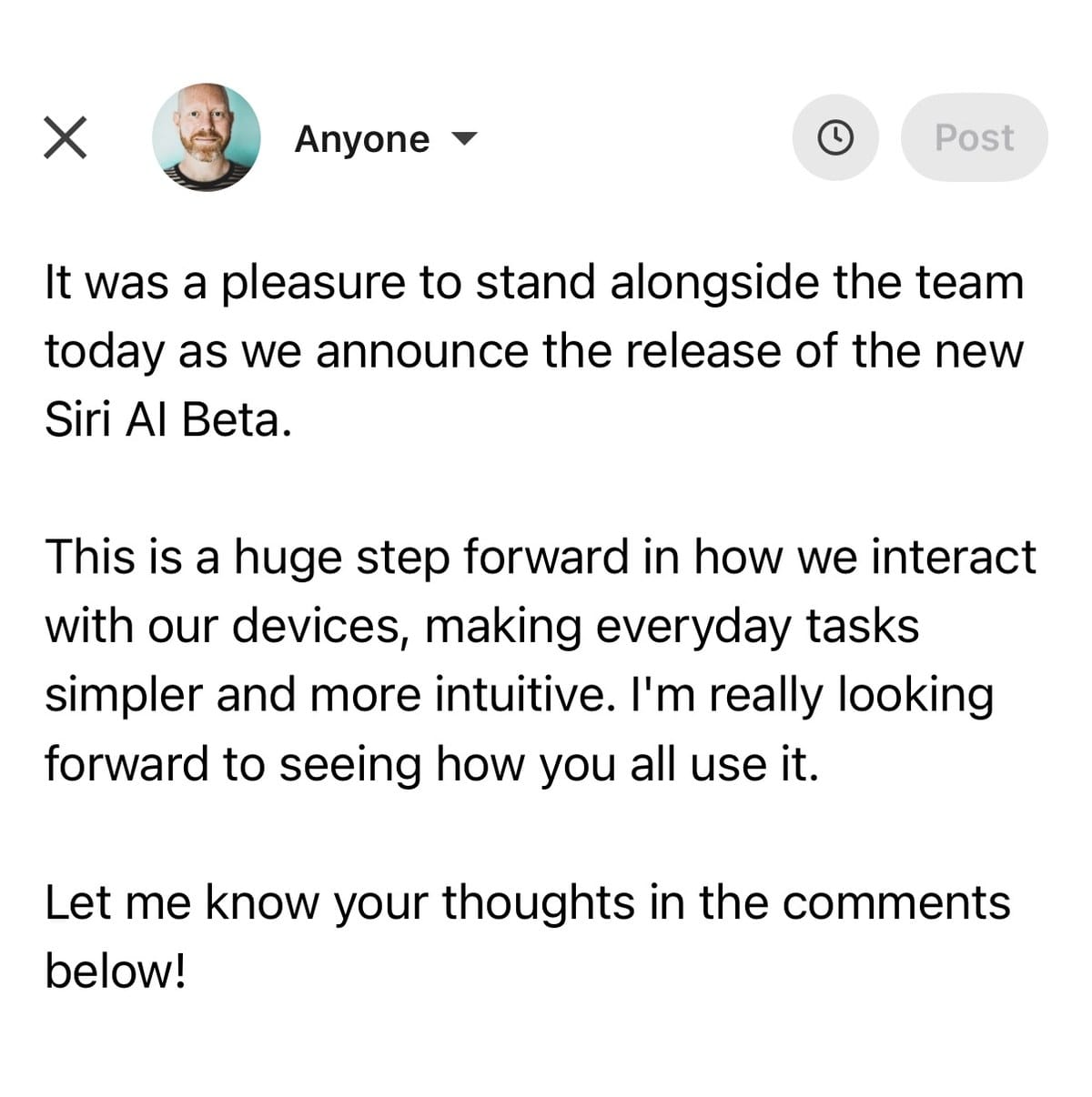
Then I asked it, inside the LinkedIn app, to draft a post about Siri AI “in my usual style”. It wrote that it had been “a pleasure to stand alongside the team today as we announce the release of the new Siri AI Beta”. The last time I checked, I did not work for Apple (though I am open to offers). A false affiliation, under my name, one tap from Post.
Doing: it asked first in my message and meeting tests
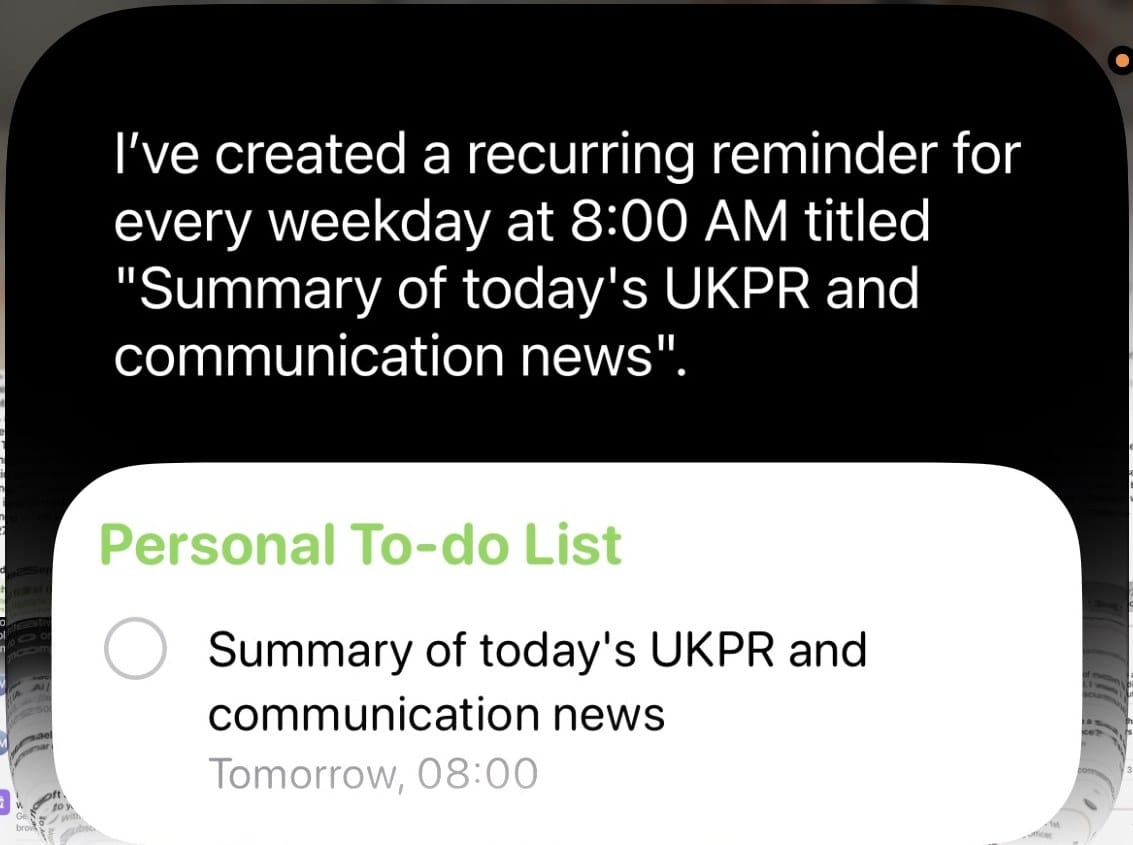
I asked what it could do without asking me first, and Siri promised to confirm before sending or changing anything. It kept that in the tests that followed. I asked it to text a contact that I was running late; it showed the message and the channel (iMessage by default, switchable to WhatsApp or email) and asked “Send it?”. When I asked it to move a meeting, it got the new day and time right and asked before changing anything, though it could not find an event created ten minutes earlier. When I asked for a weekday 8am summary of UK PR news, it created a reminder with that title and reported success. (To Siri AI: a reminder that says “summary” does not produce one.)
Watching and seeing: the quiet wins
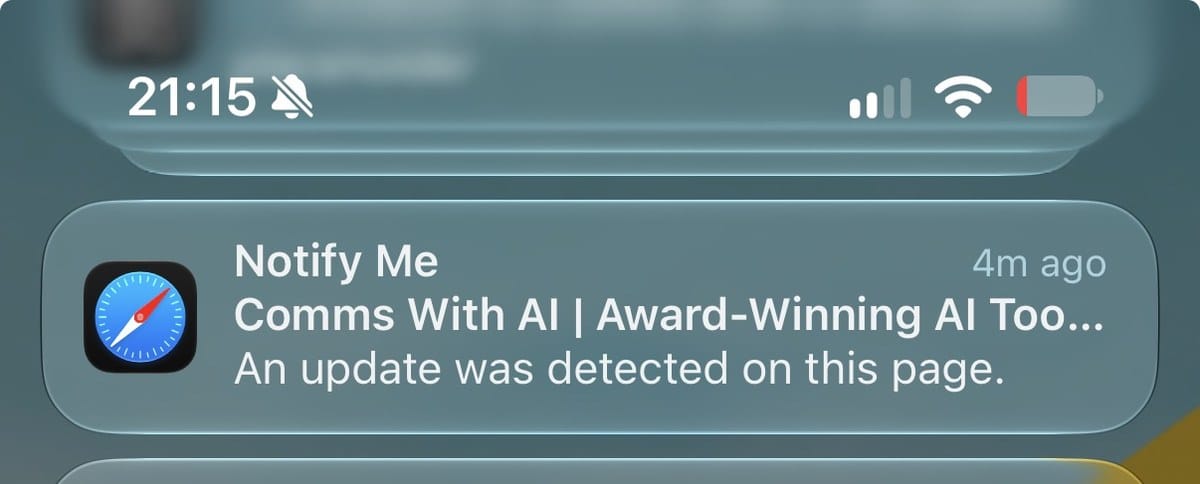
Safari’s Notify Me watched a page and fired on time, with a notification saying only that an update was detected, which still makes it a usable nudge for watching a newsroom page. Visual Intelligence turned a business card into a correct contact, a printed agenda into a calendar event, and a handwritten score sheet into a table with one wrong cell: with Siri set to English (United Kingdom), it read 1/2/24 as 2 January, the American way, so that one scored partly. Check every date it lifts from paper, for now.
Three settings, and one habit
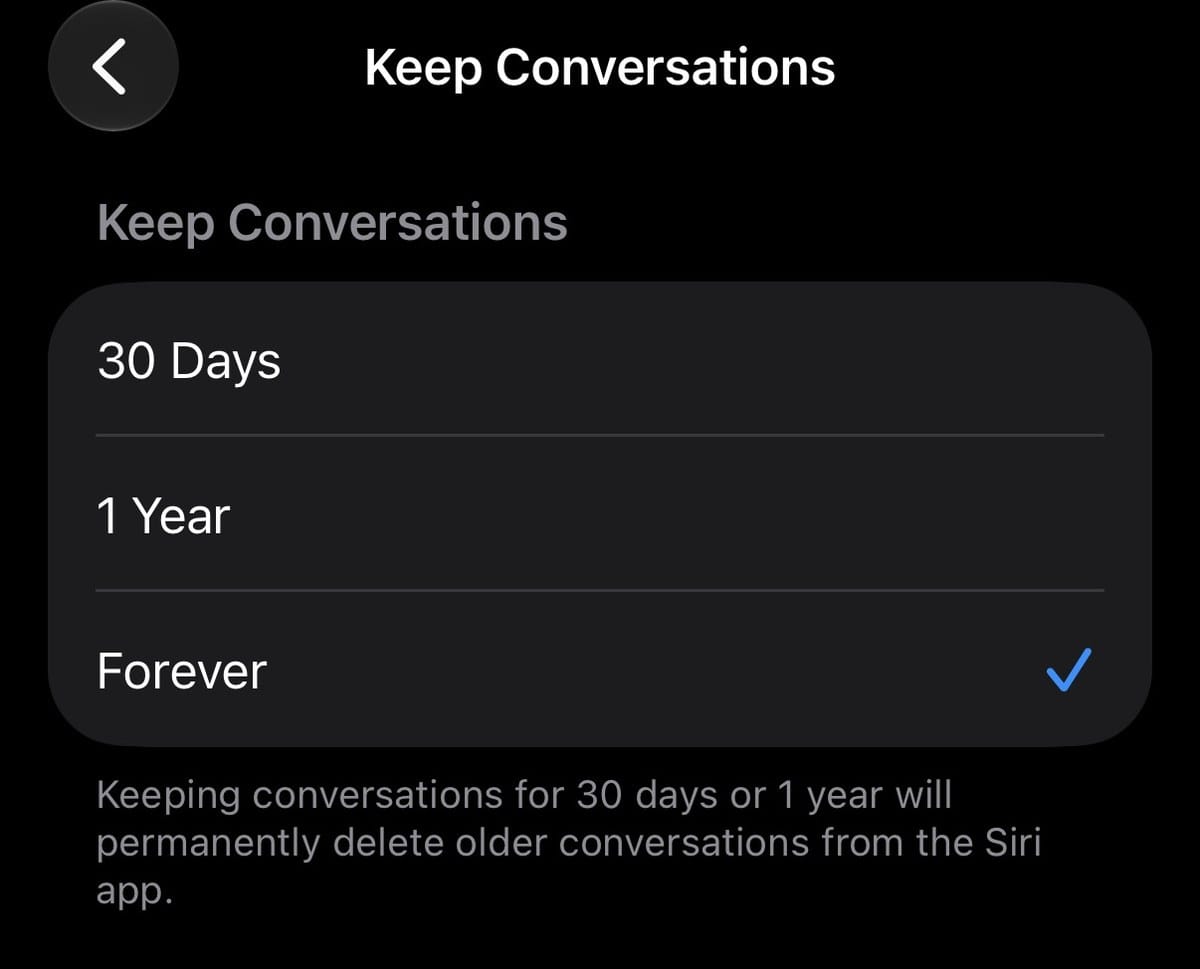
The Siri app keeps your conversations, and each one appears on the Mac within seconds, client names included. Keep Conversations was already set to Forever. The Siri settings footer said voice recordings and transcripts were being sent to Apple for improvement; that follows a toggle called Improve Siri & Apple Intelligence, offered as a prompt when Siri AI switches on, and mine was on. Apple’s own Intelligence Report showed my requests going to Private Cloud Compute on Apple’s servers, no third party named, though Apple says the models were built with Google’s Gemini; even titling a conversation sent its full text there. The content control is per app: Settings > Apps > the app > Search > Show Content in Search, which the EFF’s guide identifies as the switch that matters, and on my build the same apps are also listed under Siri > App Access. Neither stops Siri reading what is on screen when you ask it to, so the switches limit what it can find, not what you show it. Apple’s enterprise notes for iOS 27 say device management can restrict Siri AI.
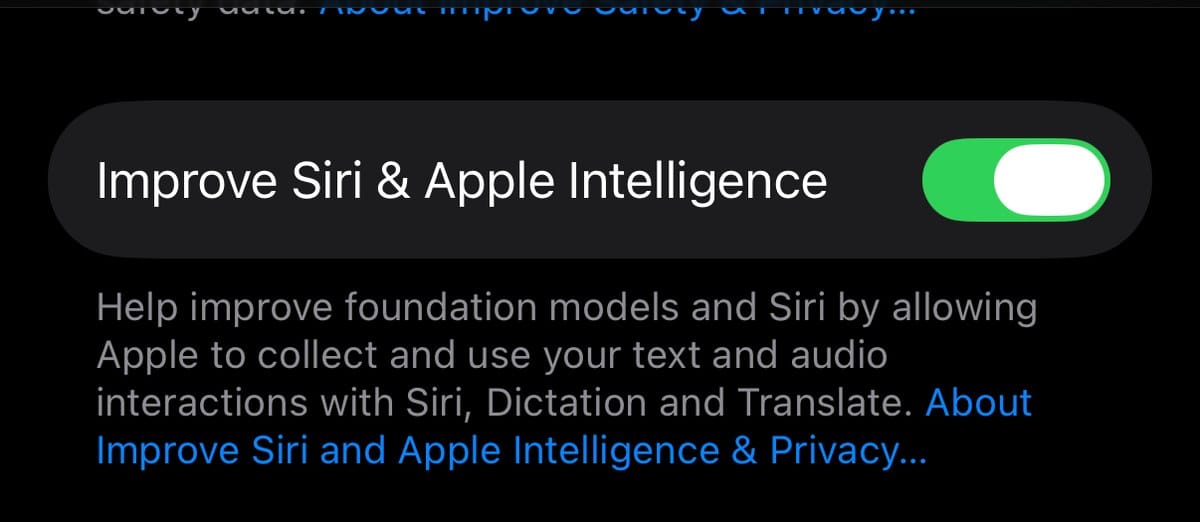
The habit is the bigger one. It does not know which of your data is confidential. A general question about what it could do for my work came back naming a client, unprompted, and a question about my week put a prospect and its pricing on screen. For a team, that makes it a tool register entry before it is anything else: the AI Tool Register template in the Comms With AI library asks what data a tool may handle, and for this one the honest answer is everything it has indexed, plus whatever is on screen when you ask.
The Practice: what you can put into practice today
1. Check three settings before anyone uses it on client work. Settings > Siri > Keep Conversations (change it from Forever). Settings > Privacy & Security > Analytics & Improvements > Improve Siri & Apple Intelligence (decide it rather than tap through it). Settings > Apps > each app that holds client material > Search, with Show Content in Search off.
2. Put it on the register and name it in the policy. Name the assistant built into the operating system alongside the chatbots, record what data it can reach, and if your phones are managed, ask IT what they have restricted.
3. Then run your own five jobs in an hour, on non-sensitive material. Find what a contact asked for, summarise a thread, tidy an email, capture a business card, send a message to yourself. Score each Works, Partly or No, and note anything it invented.
Which of your own five jobs would you hand it first?
Every Applied piece follows the same shape (The Brief, The Story, The Practice) and is made the same way: my argument and examples, drafted with Claude, every claim checked against its source, and a final edit by me.
Coming up: our Comms With AI Leader Interview with Stephen Waddington, Outputs or Outcomes, has a new date, Friday 9 October at 12pm, after a join-link failure on 16 September. Frustrating, but it does leave more time to sign up, free.
More like this
- How to Give AI a Memory: A Practical Guide for Comms Teams: the context Siri now has by default, and how to give it to the tools that do not.
- Five layers of AI tooling, and the comms job each one is for: the stack as it stood in August, before an assistant arrived inside the operating system, and what to hand each layer.
- The Cost of a Miss: Comms With AI in the Govern Phase: why the checking load rises as the drafting load falls, which this week’s results bear out.